
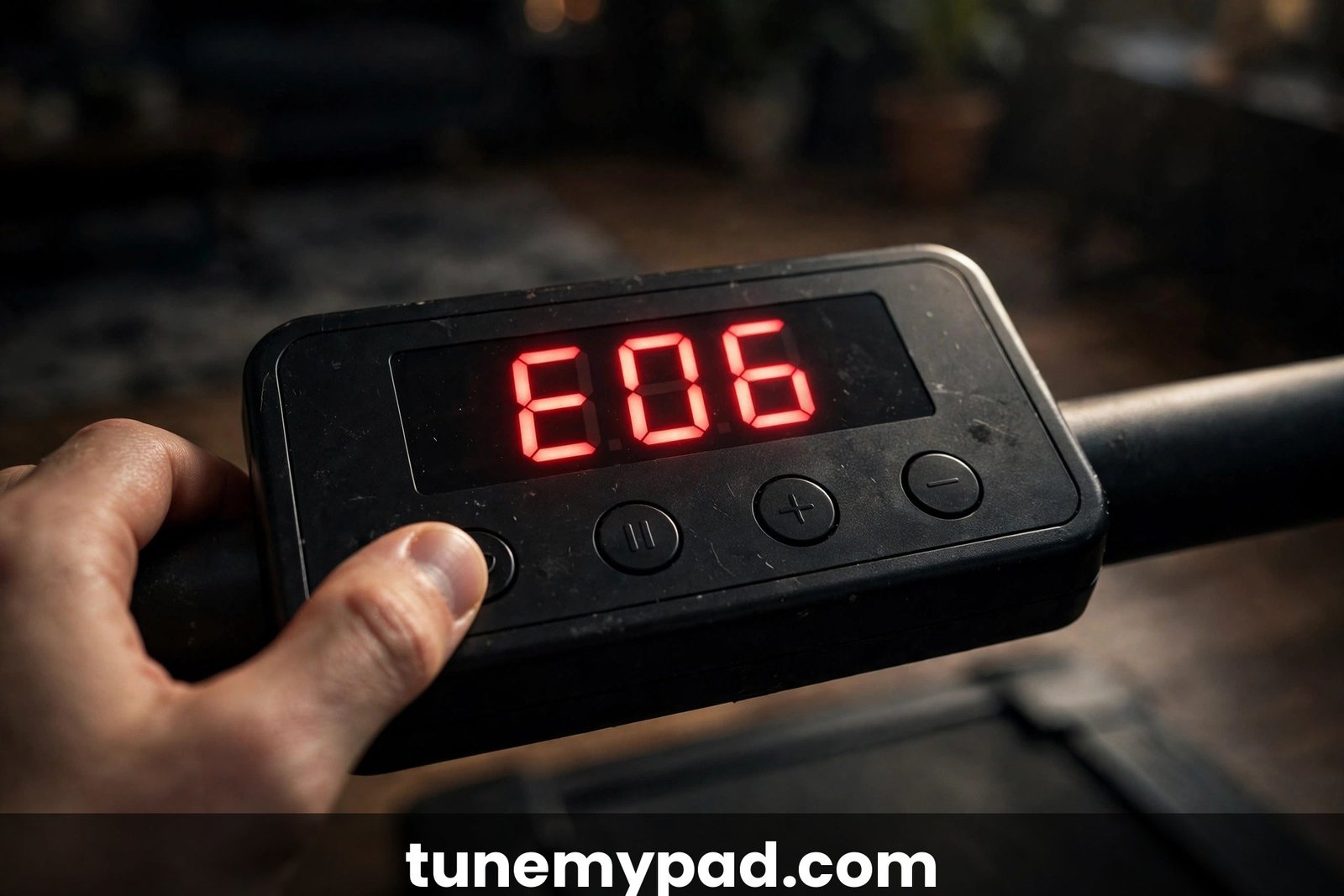
Seeing a CITYSPORTS walking pad E01 error code on your display is frustrating. You step on, press start, and instead of moving, the screen flashes E01 and nothing happens. Before you panic or start shopping for a replacement, know this: most E01 errors on walking pads are caused by simple, fixable issues like a loose safety key, a power problem, or a belt that needs attention.
This guide walks you through 7 best fixes for the CITYSPORTS walking pad E01 error code, starting with the 30-second checks and moving to deeper troubleshooting. One critical note up front: error code meanings vary between brands and even between models from the same brand. There is no universal dictionary of treadmill error codes, so treat the steps below as general troubleshooting, and always check your CITYSPORTS manual or contact their support for model-specific guidance. For general belt issues, our walking pad belt troubleshooting guide covers related fixes.
Work through the fixes in order. Most people clear the CITYSPORTS walking pad E01 error code within 15 minutes without tools or technical skills.
Quick Answer: CITYSPORTS Walking Pad E01 Error Code
To fix a CITYSPORTS walking pad E01 error code, first check that the magnetic safety key is properly attached, then power-cycle the machine by unplugging it for 60 seconds. If the code persists, check the power outlet, inspect the belt for obstructions or misalignment, and try a factory reset if your model has one. These steps resolve the majority of E01 errors.
Important context: E01 is a generic fault indicator on many walking pads and treadmills, not a precise diagnosis. On some machines it relates to the safety circuit, on others to motor communication or speed-sensor problems. Because meanings differ by model, the CITYSPORTS walking pad E01 error code should be treated as a prompt to run through systematic checks rather than as a specific part failure. If none of the fixes below work, CITYSPORTS customer support can tell you exactly what E01 means on your specific model.
Table of Contents
Fix 1: Reattach the Magnetic Safety Key
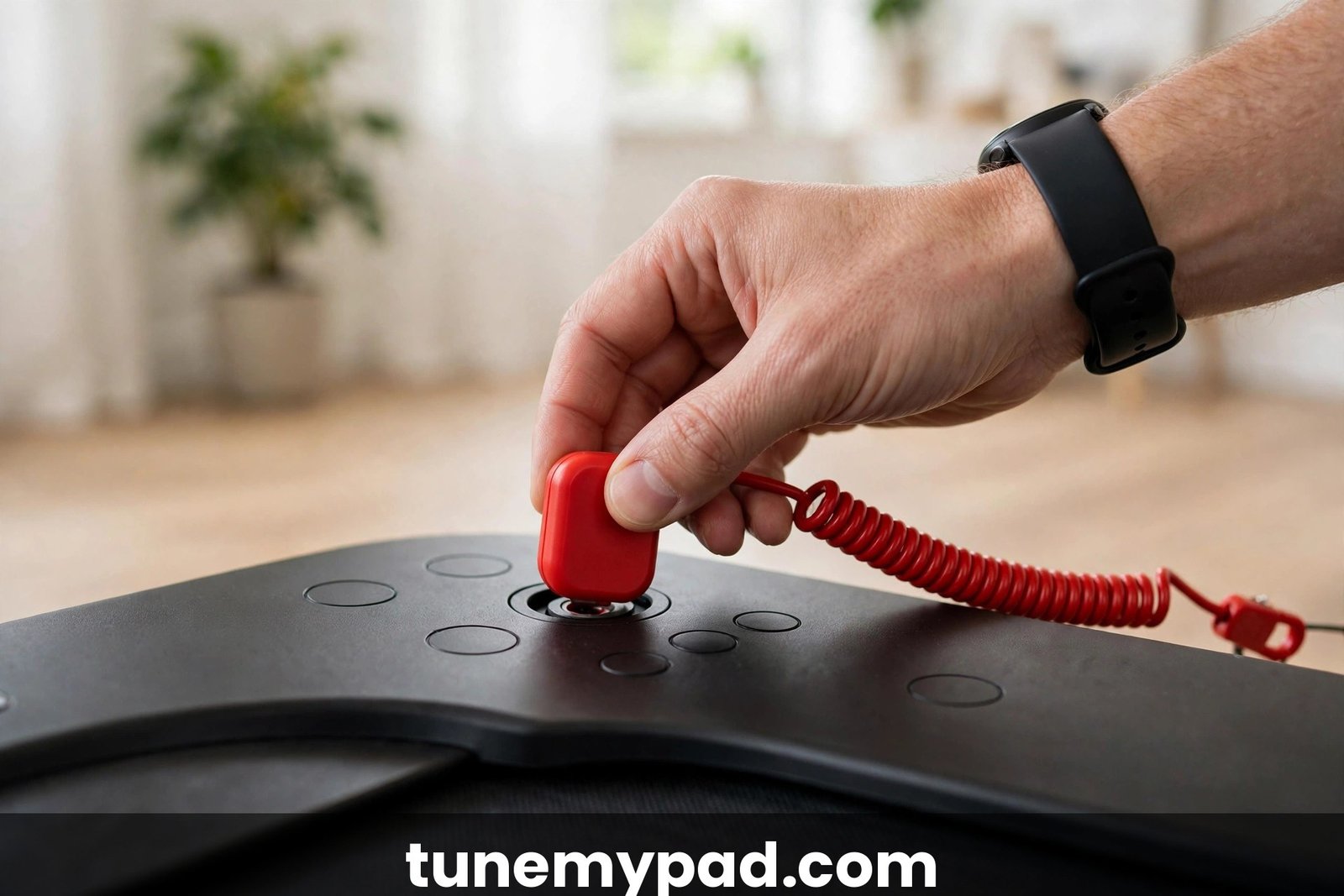
The most common cause of a CITYSPORTS walking pad E01 error code is the simplest: the magnetic safety key is missing or not seated properly. This small magnetic clip attaches to the console and usually has a cord that clips to your clothing. It is a safety device that cuts power to the belt if you fall. When the machine cannot detect the key, many models display E01 and refuse to start.
Remove the key completely, wipe the magnetic contact point with a dry cloth to remove dust or sweat residue, and reattach it firmly. You should feel the magnet grab. Press start again. This single step clears the CITYSPORTS walking pad E01 error code more often than any other fix, because the key gets bumped loose during storage or transport without owners noticing.
If your key is lost or the magnet seems weak, contact CITYSPORTS for a replacement before attempting other fixes. Running the machine without a working safety key is unsafe, and no troubleshooting step should bypass a safety device. (The CPSC specifically advises storing treadmill safety keys out of children’s reach when machines are not in use.)
Fix 2: Power-Cycle the Machine
Electronics glitch. A proper power cycle clears transient faults that can trigger a CITYSPORTS walking pad E01 error code. Turn the machine off with its power switch, unplug it from the wall, and wait a full 60 seconds. This waiting period matters: capacitors inside need time to discharge fully, and a quick off-on may not reset the controller.
While you wait, check the power cord for damage, especially near the plug and where it enters the machine. Plug the cord firmly back in, switch on, reattach the safety key, and try starting the belt. If the CITYSPORTS walking pad E01 error code is gone, the fault was a temporary controller glitch. These happen occasionally and are not a sign of a dying machine.
Fix 3: Try a Different Power Outlet
Walking pads draw significant current on startup, and a weak outlet can cause faults that present as a CITYSPORTS walking pad E01 error code. Plug the machine directly into a wall outlet, not a power strip, extension cord, or multi-plug adapter. Extension cords are a notorious source of treadmill error codes because voltage drops under load.
Try an outlet on a different circuit if possible, ideally one without other large appliances running. If the E01 clears on the new outlet, the problem was power delivery, not the pad. For a permanent setup, give the walking pad its own outlet. Our guide on whether a walking pad needs a dedicated circuit explains the electrical side in detail.
Related: Does a Walking Pad Need a Dedicated Circuit? 7 Best Safety Facts
Fix 4: Inspect the Belt for Obstructions and Alignment
A stuck or misaligned belt can trigger fault codes including the CITYSPORTS walking pad E01 error code. With the machine unplugged, look under and around the belt for obstructions: a sock, a piece of packaging, pet hair wound around the rear roller, or debris wedged at the edges. Remove anything you find.
Next, check belt alignment. The belt should sit centered on the deck with roughly equal gaps on each side. If it has drifted to one side and is rubbing the frame, the motor works harder and the controller may fault. Most walking pads have small Allen bolts at the rear for centering adjustments: a quarter-turn on the side the belt drifted toward usually corrects it. Make small adjustments, then test. If the CITYSPORTS walking pad E01 error code appeared alongside a visibly off-center belt, alignment is very likely your culprit.
Also check belt tension. If the belt slips when you step on it, it may be too loose, which confuses the speed sensor. If it will not move by hand at all when unplugged, it may be too tight. The manual for your model gives the correct tension procedure.
Fix 5: Check the Speed Sensor
Many walking pads use a small speed sensor near the front roller to tell the controller how fast the belt is moving. If the sensor is dusty, misaligned, or disconnected, the controller detects a mismatch and may throw a CITYSPORTS walking pad E01 error code. This is a common failure point because the sensor sits in the dustiest part of the machine.
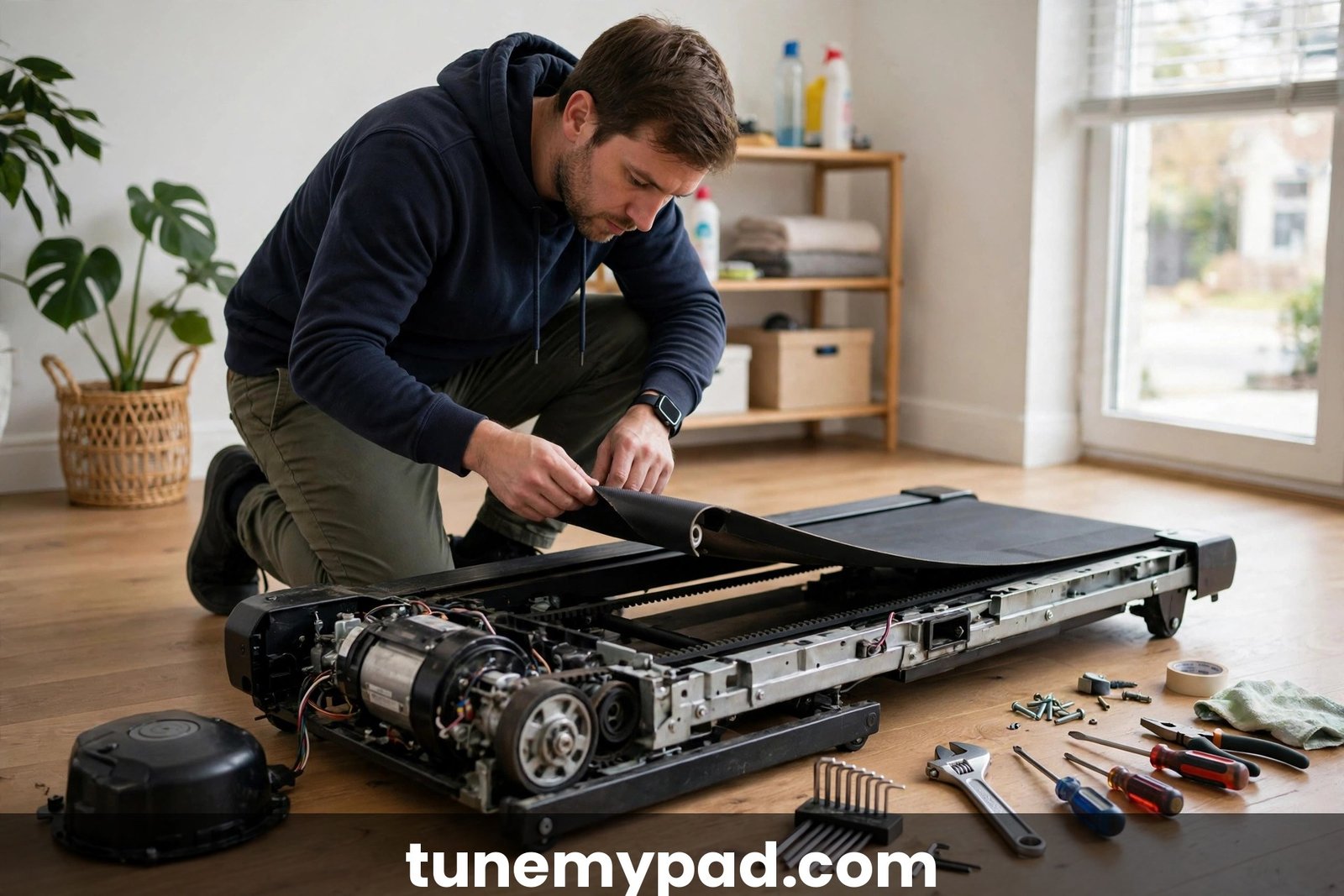
Unplug the machine and remove the motor cover, usually held by a few screws. Look for a small sensor near the front roller, often with a wire running to the control board. Gently clean it with a dry cloth or compressed air. Check that its wire is firmly connected at both ends. Reassemble and test. Do not touch the control board’s components beyond visual inspection. If the sensor looks damaged or the wire is broken, that is a parts replacement, and CITYSPORTS support can supply the right sensor for your model.
Related: Why Is My Walking Pad Overheating? 9 Best Fixes That Work
Fix 6: Perform a Factory Reset
If your CITYSPORTS model has a reset procedure, it can clear a stubborn CITYSPORTS walking pad E01 error code caused by corrupted settings. Reset methods vary: some models reset by holding a button combination on the remote, others through a sequence on the console. Check your manual for the exact procedure for your model, because guessing at button combinations can change settings you did not intend to change.
After a reset, you will need to re-pair the remote and redo any calibration the manual describes. Test the belt at low speed before stepping on. If the E01 is gone and the belt runs normally, the fault was in the controller’s stored state rather than any physical problem. Keep the manual’s reset instructions somewhere accessible, since this fix is worth trying first if the code ever returns.
Fix 7: Contact CITYSPORTS Support
If all six fixes fail, it is time to use the experts. Contact CITYSPORTS customer support with your exact model number, purchase date, and a description of when the CITYSPORTS walking pad E01 error code appears. Does it show immediately on power-up, or only when you press start? Does the belt twitch? These details help support diagnose whether you are dealing with a control board issue, a motor problem, or a sensor failure.
Before the call, check your warranty status. Most CITYSPORTS walking pads carry at least a one-year warranty, and E01 faults from manufacturing defects are typically covered. Do not open the motor or attempt board-level repairs yourself while under warranty, since that can void coverage. Take a short video of the error occurring. Support teams diagnose much faster with video than with descriptions.
| Step | What to check | Time needed |
|---|---|---|
| 1 | Safety key attached firmly | 30 seconds |
| 2 | Power cycle, 60-second unplug | 2 minutes |
| 3 | Direct wall outlet, no extension cord | 2 minutes |
| 4 | Belt obstructions and alignment | 10 minutes |
| 5 | Speed sensor clean and connected | 15 minutes |
| 6 | Factory reset per manual | 5 minutes |
| 7 | Contact support with model details | Varies |
When E01 Appears: Reading the Symptoms
The exact moment the CITYSPORTS walking pad E01 error code appears tells you a lot about the cause. If E01 shows the instant you power on, before you even press start, the fault is likely in the startup self-check: safety key detection, controller initialization, or power supply. Focus on Fix 1 and Fix 2 first. A code at power-on rarely means a mechanical problem, because nothing has moved yet.
If E01 appears when you press start and the belt jerks or twitches first, the controller tried to drive the motor and something stopped it. This points toward the belt being jammed, the motor straining, or the speed sensor disagreeing with the commanded speed. Work through Fix 4 and Fix 5 carefully. A belt that moves freely by hand when unplugged but faults on start often has a sensor issue rather than a mechanical blockage.
If E01 appears mid-walk after running fine for a while, heat or load is the likely trigger. Motors and controllers have thermal protection, and a pad working hard on a hot day or under a heavier user can trip a fault. Let the machine cool for 30 minutes, check that ventilation slots are not blocked by dust, and reduce your speed slightly on restart. If the CITYSPORTS walking pad E01 error code only appears after 20-plus minutes of use, overheating protection is the prime suspect, and our overheating guide covers cooling fixes in depth.
Note the pattern across all three scenarios: the code is a symptom, not a diagnosis. Describing exactly when the CITYSPORTS walking pad E01 error code appears is the most useful thing you can tell support, because it narrows the fault to a specific subsystem immediately.
E01 vs Other CITYSPORTS Error Codes
If you have seen E01, you may wonder about other codes like E02, E03, or E05 that appear in forums. Here is the responsible way to think about them: each code is defined by the controller manufacturer, and the same code number can mean different things on different boards. An E02 on your neighbor’s treadmill might indicate a completely different fault than an E02 on your CITYSPORTS pad, even if both machines look similar.
This means generic error-code lists on the internet are unreliable. They mix codes from different controller brands into one list, creating false confidence. Someone reads that “E01 means motor failure,” orders a motor, and discovers the real problem was a $0 safety-key issue. The money wasted on wrong parts is the real cost of trusting universal code definitions.
The systematic approach works for any code, not just the CITYSPORTS walking pad E01 error code. Safety key, power cycle, outlet, belt, sensor, reset, support: this sequence resolves the majority of walking pad faults regardless of which code the display shows. If you see a different code, run the same sequence, then ask CITYSPORTS support what that specific code means on your specific model. Their answer is the only one that counts.
Why Error Codes Differ Between Models
It is worth understanding why you cannot just Google a universal meaning for the CITYSPORTS walking pad E01 error code. Walking pad manufacturers source controllers from different suppliers, and each supplier defines its own fault codes. E01 on one brand’s controller might mean a safety-key fault, while on another it means motor overcurrent. Even within CITYSPORTS, different models may use different controller boards with different code definitions.
This is why generic “E01 means X” articles are unreliable and sometimes harmful: they send owners replacing parts that are not broken. The systematic approach in this guide works regardless of what E01 specifically means on your machine, because it walks through the most common fault sources in order of likelihood. But for a definitive answer about the CITYSPORTS walking pad E01 error code on your exact model, the manual and the manufacturer’s support are the only authoritative sources.
Preventing Future E01 Errors
Once you have cleared the CITYSPORTS walking pad E01 error code, a few habits keep it from coming back. Always store the safety key attached to the machine so it does not get lost or demagnetized in a drawer. Plug the pad directly into a wall outlet and avoid sharing the circuit with space heaters or air conditioners. Keep the belt area clean: vacuum around the machine weekly and wipe the belt monthly to prevent dust from reaching the sensor.
Lubricate the belt on the schedule your manual recommends, usually every 3 to 6 months. A dry belt strains the motor, and motor strain is one of the fault conditions that can surface as an error code. Finally, power the machine down properly after each use rather than just yanking the plug, which reduces the chance of controller glitches. These small habits take minutes and prevent most repeat faults.
Frequently Asked Questions
What does E01 mean on a CITYSPORTS walking pad?
It varies by model. E01 is a general fault indicator, not a universal diagnosis. On many machines it relates to the safety circuit or motor communication, but you should check your model’s manual or ask CITYSPORTS support for the exact meaning rather than trusting generic lists.
Can I still use my walking pad if it shows E01?
No. The machine is telling you something needs attention, and bypassing the fault could be unsafe or cause further damage. Work through the fixes in this guide instead.
Will unplugging my walking pad delete its settings?
A simple power cycle will not. A factory reset might, depending on the model. Try the power cycle first, and only reset if the manual describes a reset procedure for your model.
How do I find my CITYSPORTS model number?
Check the label on the frame, usually underneath or at the rear of the machine. It is also on your purchase receipt and the original box. Support will ask for it, so have it ready before calling.
Is E01 covered under warranty?
If the fault comes from a manufacturing defect and the machine is within its warranty period, usually yes. Damage from misuse, like running the pad on an extension cord against the manual’s advice, may not be covered.
Can a loose belt cause E01?
It can contribute. A slipping belt confuses the speed sensor, and the controller may fault. Check tension and alignment as described in Fix 4 before assuming an electronics problem.
Should I open the motor cover myself?
For visual inspection and cleaning, yes, if you are comfortable with basic screws and the machine is unplugged. For board-level repairs or part replacements, contact support first, especially under warranty.
How common is the CITYSPORTS walking pad E01 error code?
Fairly common. E01 is one of the most reported codes across budget walking pad brands, and the vast majority of cases trace back to the safety key or power issues described above. Its frequency is reassuring: it means the fixes are well understood.
Can cold weather cause a CITYSPORTS walking pad E01 error code?
Indirectly, yes. Cold thickens belt lubricant and stiffens the belt, making the motor work harder on startup. If your pad lives in a cold garage, let it warm to room temperature before use and keep the belt lubricated.
Does the CITYSPORTS walking pad E01 error code mean I need a new motor?
Almost certainly not, at least not initially. Motors are the least likely cause. Exhaust the safety key, power, belt, and sensor checks first. Only if support diagnoses a motor fault after those steps should replacement enter the picture.
My pad worked yesterday but shows a CITYSPORTS walking pad E01 error code today. What changed?
Usually something small: the safety key got bumped during storage, the plug loosened, or temperature changes affected the belt. Run Fix 1 and Fix 2 first. Overnight failures are rarely serious, and the CITYSPORTS walking pad E01 error code that appears from nowhere most often disappears just as fast.
The Bottom Line
A CITYSPORTS walking pad E01 error code looks alarming but is usually a simple problem: a loose safety key, a power glitch, or a belt issue accounts for the large majority of cases. Work through the 7 fixes in order, give each one a fair try, and most owners are walking again within the hour. Remember that error meanings vary by model, so treat generic advice as a starting point and your manual as the authority. And if the code persists after all seven steps, CITYSPORTS support has seen it before and can guide you to the exact fix for your machine.
Bookmark this guide. The next time a CITYSPORTS walking pad E01 error code interrupts your workout, you will know exactly what to do instead of losing a week waiting for answers. Thirty seconds on the safety key, a proper power cycle, and a quick belt check resolve most cases before they become real problems. Your walking routine is worth protecting, and now you have the playbook to protect it. Share this guide with anyone whose CITYSPORTS walking pad E01 error code has them stuck, because the fix is usually simpler than they fear.
Related: Walking Pad Maintenance Schedule: Full Checklist
Related: Walking Pad Belt Replacement: 8 Easy Steps to a Like-New Belt