
If you just set up your first treadmill desk, you have probably asked yourself: should you hold the desk while walking on a treadmill desk? It is the most natural instinct in the world — the belt starts moving under your feet, your balance wobbles for a second, and your hands shoot out to grab the nearest stable surface. Almost every new treadmill desk user does exactly this during the first week.
The honest answer is that holding the desk is perfectly fine as a short-term balance aid, but turning it into a permanent habit quietly undermines the two things a treadmill desk is supposed to give you: healthy posture and genuine movement. So should you hold the desk while walking on a treadmill desk? Briefly yes — but not forever. Grip the desk edge all day and you will likely end up hunched, leaning, and barely engaging your core — the opposite of why you bought the thing.
This guide breaks down exactly when hand support helps, when it hurts, what ergonomics guidance actually says about it, and seven best practices that get you walking confidently hands-free — the complete answer to “should you hold the desk while walking on a treadmill desk,” without the white-knuckle phase lasting longer than it needs to.
Table of Contents
Quick Answer: Holding the Desk on a Treadmill Desk
| Question | Answer |
|---|---|
| Should you hold the desk while walking on a treadmill desk? | Only briefly — if you are asking “should you hold the desk while walking on a treadmill desk all day”, the answer is no. Light fingertip contact is fine while you find your balance; a constant death-grip causes poor posture and leaning. |
| Is it dangerous to walk hands-free? | Not at normal walking-desk speeds (1–2 mph). The risk comes from speed, distraction, and fatigue — not from letting go of the desk. |
| Does holding the desk reduce calorie burn? | Slightly. Leaning on the desk unloads your legs and core, so you burn a little less than walking upright. |
| What is the correct hand position? | Hands over the keyboard in a neutral typing position, elbows near 90 degrees — not clamped to the desk edge. |
| When should you definitely hold on? | When starting or stopping the belt, at speeds above 2.5 mph, when dizzy or fatigued, and during your first few sessions. |
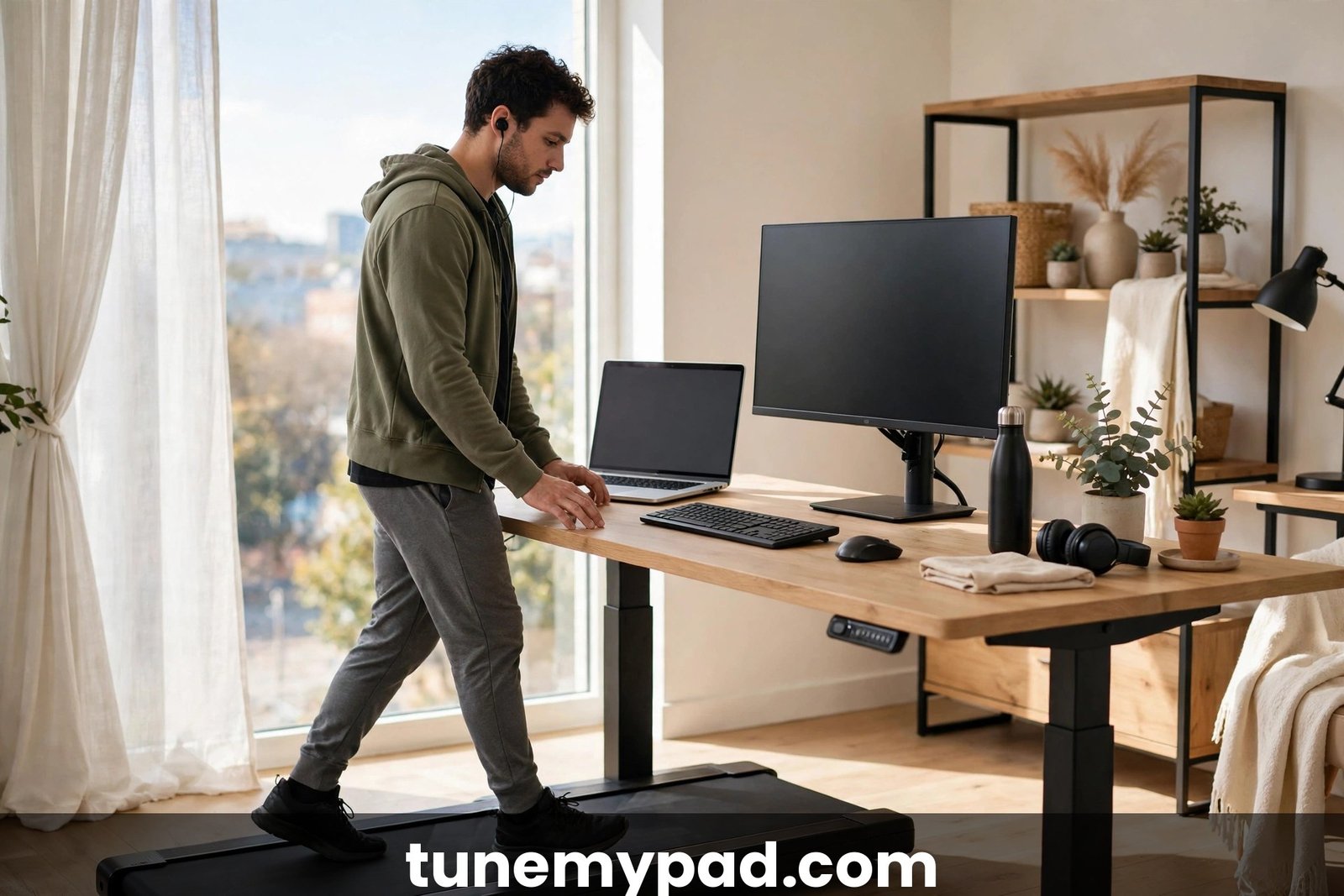
Why Beginners Instinctively Grab the Desk
Your brain treats a moving belt under your feet as a balance threat, and it is not wrong. Walking on a treadmill — even at a gentle 1.5 mph — removes the normal visual and vestibular feedback of moving through space. Your feet move, but the room does not. That sensory mismatch makes most people feel subtly unsteady for the first few sessions, and the hands reach for stability on pure reflex. Understanding this reflex is the first step to answering “should you hold the desk while walking on a treadmill desk” correctly at every stage of the learning curve.
There is nothing wrong with that reflex. Physical therapists use handrails the same way with patients learning to walk again: support first, independence later. The problem is only when “just for now” becomes “forever,” because the desk was never designed to be a handrail. It is higher than a rail, farther from your center of gravity, and using it as one pulls your shoulders forward and your weight onto your arms.
Most people go through three phases: grabbing (week 1, constant contact), hovering (weeks 2–3, fingertips skim the desk), and floating (week 4+, hands live over the keyboard). If you are in week one and wondering “should you hold the desk while walking on a treadmill desk?” — relax — almost everyone does at first, and almost everyone outgrows it. If you are still in the grabbing phase after a month, something about your setup — usually speed, desk height, or monitor position — is keeping you dependent.
The Case for Holding the Desk (When It Helps)
Hand support is a legitimate safety tool in specific situations. Use it without guilt when:
- Starting and stopping the belt. The first three seconds after the belt starts — and the moment it stops — are when most stumbles happen. Keep a hand on the desk until your stride settles.
- Your first week. New users are still calibrating. Light contact while you learn the rhythm of walking and typing at once is simply sensible.
- Speeds above 2.5 mph. At a brisk walk, your center of mass shifts more with each step. Occasional steadying touches are smart, though sustained work above 2.5 mph is rarely productive anyway.
- When you feel dizzy, tired, or distracted. Motion-sickness-prone users, late-afternoon fatigue, or an intense video call are all good reasons to keep a steadying hand down. If you are asking yourself whether you should hold the desk while walking on a treadmill desk in these moments, the answer is yes — safety first, ergonomics second.
- On uneven or improvised setups. If your treadmill desk is a DIY riser on a wobbly table, treat the whole setup as provisional and keep contact until it is properly stabilized.
So should you hold the desk while walking on a treadmill desk during your first week? Yes — think of it as training wheels, not a permanent fixture. The key distinction is intentional support versus unconscious clinging. A hand you place deliberately for balance is a tool. Hands that have fused to the desk edge without you noticing are a posture problem.
The Case Against Holding the Desk (When It Hurts)
Here is what happens biomechanically when you grip the desk all day:
Your shoulders roll forward. To reach the desk edge, your arms extend and your shoulders protract. Held for hours, this shortens the chest muscles and encourages the classic desk-worker hunch — the exact posture a treadmill desk is meant to fix.
You lean on your arms. Even light continuous pressure transfers body weight from your legs to your arms and the desk. That reduces leg and core engagement, which trims the calorie burn and the postural benefit of walking. Studies of treadmill-desk walking consistently show the metabolic benefit comes from walking, and anything that unloads the walking muscles dilutes it.
Your typing position collapses. Hands clamped to the desk edge cannot float over the keyboard in a neutral position. Wrists bend, elbows lock or splay, and the ergonomic geometry falls apart. OSHA’s computer workstation guidance emphasizes neutral wrist and forearm posture — hard to maintain while white-knuckling furniture. (See OSHA’s computer workstations eTool for the neutral-posture basics.)
You stop trusting your balance. Balance is a use-it-or-lose-it skill. Constant hand support means your stabilizing muscles never fully engage, so you stay dependent longer. It is the same reason physical therapists progressively remove support.
Neck and upper-back strain creeps in. The forward-shoulder position drags the head forward too. An inch of forward head posture adds roughly ten pounds of effective load on the neck — a recipe for the afternoon ache many treadmill desk users blame on walking, when the real culprit is how they are holding on.
None of this means brief contact is harmful. Ask experienced users: should you hold the desk while walking on a treadmill desk permanently, and most will tell you that breaking the grip habit was the single biggest upgrade to their setup. It means chronic gripping trades one set of problems (sedentary sitting) for another (leaning, hunching, arm-loading).
What Ergonomics Guidance Actually Says
No major ergonomics authority prescribes “always hold” or “never hold.” The consistent thread across workplace ergonomics guidance is neutral posture with minimal static loading:
- Elbows near 90 degrees, forearms roughly parallel to the floor, wrists straight and floating — not planted or bent. This is the standard computer-workstation posture described in OSHA’s workstation guidance, and it applies whether you are sitting, standing, or walking.
- Monitor at or slightly below eye level, about an arm’s length away. A low monitor drags the head down; walkers who crane at a laptop screen will hunch regardless of what their hands do. A monitor riser or laptop stand is one of the highest-value treadmill desk accessories for this reason.
- Minimal leaning. Ergonomics guidance for standing work warns against prolonged leaning on work surfaces because it creates asymmetric loading through the shoulders and spine. The same logic covers treadmill desks: the desk is a work surface, not a support rail.
- Movement variation. Even the best posture should not be frozen. Shift weight, change hand positions, and take genuine standing or sitting breaks. Micro-movements beat a perfect-but-rigid stance.
If you want a second opinion from a mainstream medical source, the Mayo Clinic’s office ergonomics guide covers chair, desk, and monitor positioning principles that transfer directly to treadmill desks.
The practical synthesis: ergonomics favors hands-free walking with neutral typing posture, using the desk for occasional balance checks rather than continuous support.
7 Best Practices for Posture and Safe Support
These seven rules answer the real question behind “should you hold the desk while walking on a treadmill desk” — which is really “how do I stay safe without wrecking my posture?”
1. Start Every Session With a 60-Second Balance Check
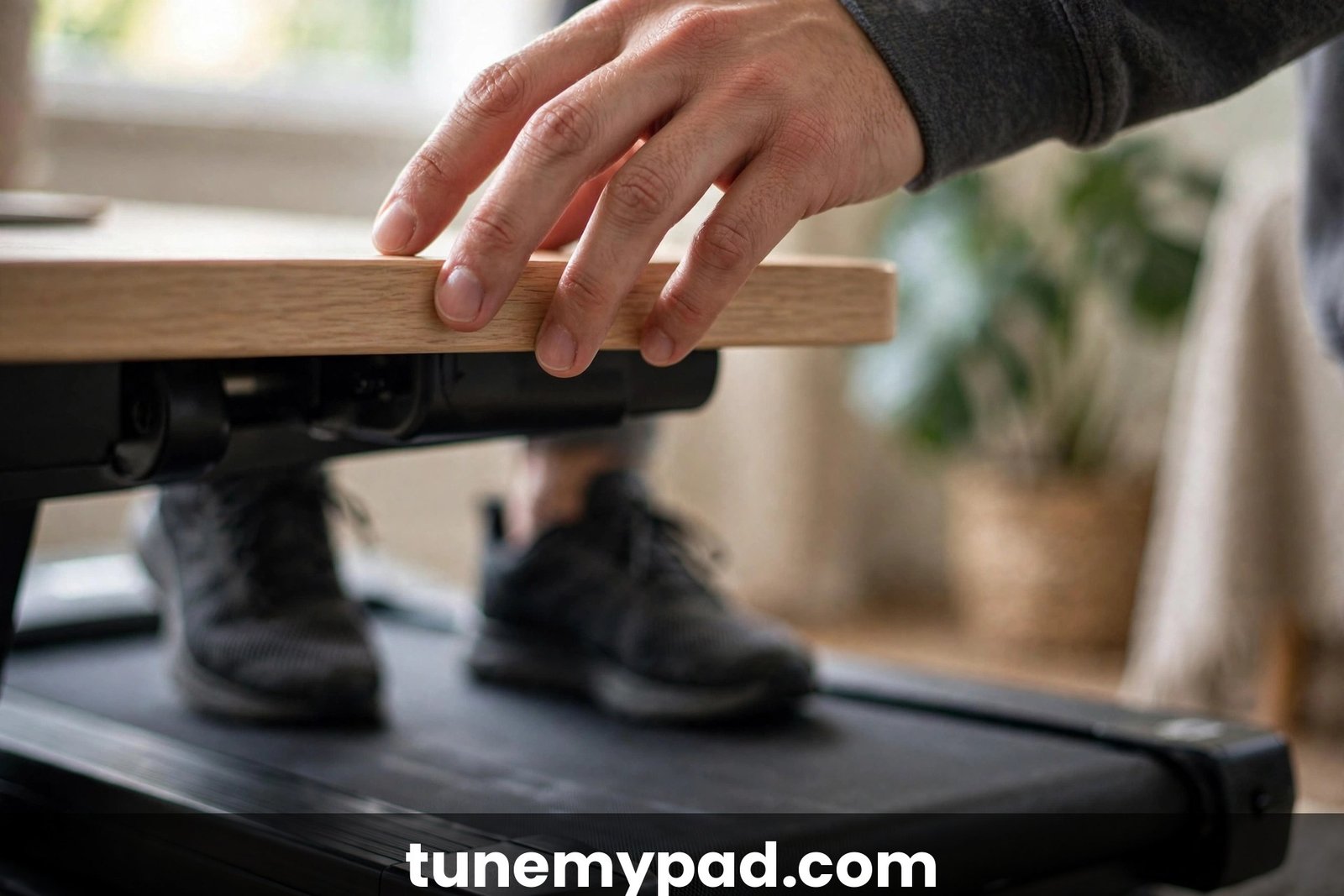
Step on, start the belt at 1 mph, and place both hands lightly on the desk. Walk for one minute while you deliberately notice your balance. Then lift your hands to hover just above the desk surface for the next minute. If you feel stable, move them to the keyboard. This ritual trains your brain to expect hands-free walking as the default.
2. Use Fingertips, Not a Grip
When you need contact, rest your fingertips lightly on the desk — do not wrap your fingers around the edge or press your palms down. Fingertip contact gives your balance system the reference point it wants while making it nearly impossible to lean your weight onto your arms. When you catch yourself wondering “should you hold the desk while walking on a treadmill desk or just hover?”, choose the hover. Think of it as a balance sensor, not a crutch.
3. Keep Your Speed in the Productivity Zone
The single biggest factor in whether you need to hold on is speed. Most treadmill desk users do their best work between 1 and 2 mph — fast enough to matter metabolically, slow enough that balance is nearly automatic. If you constantly feel the need to grab the desk, you are probably walking too fast for working. Slow down before you grip harder.
4. Set Desk Height for Typing, Not for Leaning
Your desk height should put your elbows at roughly 90 degrees when your hands are over the keyboard. A desk set too high invites you to drape your forearms across it; too low and you will hunch to reach it. Dial in the height while standing still before you start the belt, then do not fidget with it mid-walk.
5. Anchor Your Eyes, Not Your Hands
Dizziness on a treadmill desk often comes from visual instability — eyes darting between screens, papers, and the moving belt. Fix your gaze on the monitor at eye level and keep documents in a holder at the same height. A stable visual anchor does more for balance than a hand on the desk, and it keeps your neck neutral. The savviest answer to “should you hold the desk while walking on a treadmill desk” is not about hands at all — it is about eyes.
6. Schedule Grip-Free Intervals
If you are weaning off constant contact, do it deliberately: 25 minutes hands-free, 5 minutes with light fingertip contact, repeat. The timer makes it a training program instead of a willpower contest. Most people find the “need” to hold on fades within two weeks of structured intervals.
7. Treat Fatigue as a Hold-On Signal
End-of-day wobbliness is real. When your legs are tired, your balance degrades — that is physiology, not failure. In other words: when tired, should you hold the desk while walking on a treadmill desk? Yes — or better, step off and finish the day standing or sitting. Pushing through fatigue hands-free is how stumbles happen.
Speed Rules: When Hand Support Is Smart
Use this as a quick reference until the habits are automatic:
| Walking Speed | What to Do With Your Hands | Notes |
|---|---|---|
| 0.5–1 mph (warm-up) | Light contact OK while finding rhythm | Ideal first-week speed |
| 1–2 mph (work zone) | Hands-free over keyboard | The productivity sweet spot; fingertip checks fine |
| 2–2.5 mph (brisk) | Hover near desk edge | Good for calls or reading; typing accuracy drops |
| 2.5+ mph (exercise) | Keep a hand down; consider stopping work | Treat as a workout, not work time |
| Starting/stopping belt | One hand on desk | The highest-stumble-risk moments |
| Feeling dizzy or tired | Hold on or step off | Never push through dizziness |
Notice the pattern: the question “should you hold the desk while walking on a treadmill desk” has a different answer at 1 mph (no) than at 3 mph (yes). Speed is the variable that matters most. Memorize this table and the question “should you hold the desk while walking on a treadmill desk” answers itself at every speed.
Handlebars vs. the Desk: Which Is Better for Balance?
Some under-desk treadmills ship with a removable handlebar or handrail, which raises the question of whether that beats using the desk. The answer depends on your goal:
- A handlebar is better for pure balance support. It is at hip height, close to your center of gravity, and designed to be gripped. If balance is your main concern — recovery, age-related steadiness, or a medical professional’s advice to use support — the rail wins.
- The desk is better for work posture. A rail puts your arms in front of you at an unnatural typing angle and tempts you to lean. For actual working, hands over the keyboard beats hands on a rail.
- You do not need either long-term. Most users remove the rail within a month as confidence builds. The debate — should you hold the desk while walking on a treadmill desk or use the rail — usually resolves itself within a month — most users happily ditch both. Think of rails as training wheels: useful, temporary, and slightly in the way once you do not need them.
If your treadmill desk has no rail and you feel genuinely unsafe hands-free after several weeks, that is useful information — consider whether your speed, footwear, or floor setup needs attention before assuming you are the problem.
Common Posture Mistakes Treadmill Desk Beginners Make
Watch for these — they are all more damaging than simply holding the desk. Fix these six and the question of whether you should hold the desk while walking on a treadmill desk gets dramatically easier:
- The lean. Resting forearms on the desk and letting the torso tip forward. Fix: fingertips only, weight over your feet.
- The crane. Monitor too low, neck bent down for hours. Fix: raise the screen to eye level.
- The shuffle. Tiny timid steps because you are afraid of the belt. Fix: slow the belt until your stride feels natural, then walk normally.
- The lock. Knees locked straight while walking. Fix: soft knees; if you catch yourself locking, you are probably tired — take a break.
- The twist. Torso rotated to reach a mouse, phone, or papers off to one side. Fix: center everything in front of you; use a document holder.
- The marathon. Four unbroken hours on day one. Fix: build up gradually (see the plan below).
How to Wean Off Holding the Desk: A 4-Week Plan
If you are currently glued to the desk edge, follow this progression — it answers “should you hold the desk while walking on a treadmill desk” week by week. It assumes 1–1.5 mph walking while doing light work.
| Week | Hand Strategy | Daily Walking Time |
|---|---|---|
| 1 | Light palm contact allowed; focus on steady stride and monitor height | 30–60 min total |
| 2 | Fingertips only; hands hover during easy tasks | 60–90 min total |
| 3 | Hands-free for 25-min blocks; fingertip contact on breaks between blocks | 90–120 min total |
| 4 | Hands-free default; contact only for start/stop, dizziness, or fatigue | 2+ hours, as comfortable |
Do not rush the plan to prove something. The goal is unconscious competence — hands living over the keyboard because balance is automatic, not because you are forcing it. By the end, “should you hold the desk while walking on a treadmill desk” will sound like a beginner question — because you will not be a beginner anymore. If a week feels shaky, repeat it. And if you ever feel genuinely unsafe, keep the support and talk to a professional about your balance rather than pushing through.
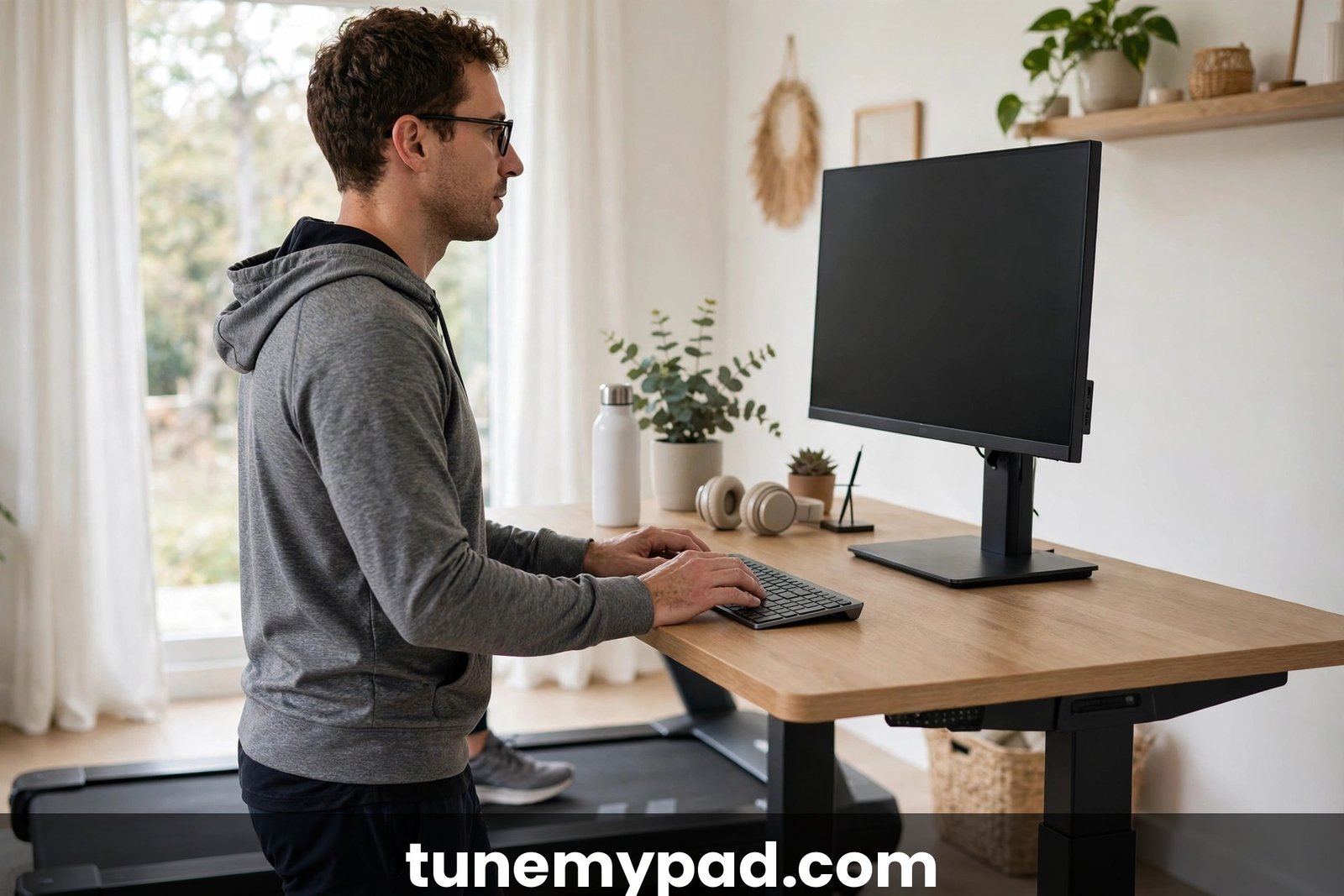
The 60-Second Self-Test: Should You Hold the Desk While Walking on a Treadmill Desk Right Now?
Still unsure in the moment? Run this quick diagnostic. It settles the question “should you hold the desk while walking on a treadmill desk” in under a minute:
- Can you type a full sentence without looking at your hands? If yes, you do not need to hold on — your balance is handling the load.
- Are your shoulders creeping toward your ears? Tension means you are bracing. Ask yourself “should you hold the desk while walking on a treadmill desk right now, or just slow down?” — slowing down almost always wins.
- Lift your hands one inch off the desk for ten seconds. Steady? You have your answer: no, you should not hold the desk while walking on a treadmill desk at this speed.
- Check the clock. If you have been walking over 90 minutes, fatigue is deciding for you. When tired, the answer to “should you hold the desk while walking on a treadmill desk” flips to yes — or better, step off and take a real break.
- Glance at your speed. Above 2.5 mph, holding on is reasonable. Below 2 mph, it is usually habit. The self-test turns “should you hold the desk while walking on a treadmill desk” from a vague worry into a two-second check you will soon do unconsciously.
When to Stop and Get Professional Advice
This guide covers normal beginner wobbliness, not medical issues. Treat these as stop signs, not challenges:
- Dizziness, vertigo, or nausea that persists after stepping off the belt
- Sharp pain in knees, hips, back, or feet during or after walking
- Numbness or tingling in the legs or feet
- A feeling that you might fall even at very slow speeds with support
- Any diagnosed balance disorder, vestibular condition, or recent injury
None of this is a diagnosis — it is a nudge. These stop signs override any “should you hold the desk while walking on a treadmill desk” calculus: no amount of hand support fixes a medical issue. A physical therapist can assess gait and balance in one session and tell you whether a treadmill desk is appropriate and what support you actually need. That is a far better investment than months of anxious gripping.
Frequently Asked Questions
Should you hold the desk while walking on a treadmill desk as a complete beginner?
Yes — briefly. If you are asking “should you hold the desk while walking on a treadmill desk” in week one, the answer is yes: light contact while you learn the belt’s rhythm is sensible and safe. Transition to fingertip contact within days and hands-free within weeks.
Should you hold the desk while walking on a treadmill desk for maximum calorie burn?
No — for maximum burn, do not. The more you hold the desk while walking on a treadmill desk, the more body weight shifts onto your arms and the fewer calories your legs and core burn. Walk upright with neutral posture for the full metabolic benefit.
Should you hold the desk while walking on a treadmill desk during video calls?
Light contact is smart here. When people ask “should you hold the desk while walking on a treadmill desk during Zoom calls,” the practical answer is yes — one steadying hand beats a visible wobble on camera, especially while you are distracted by the conversation.
Should you hold the desk while walking on a treadmill desk, or use a handrail instead?
For working, the desk — used lightly — wins. The question of whether you should hold the desk while walking on a treadmill desk or grab a rail comes down to purpose: a proper rail is better for pure balance support, while the desk keeps your hands near the keyboard where work happens.
I feel unsteady even at 1 mph — should you hold the desk while walking on a treadmill desk then?
Yes, and consider slowing down further. Feeling like the answer to “should you hold the desk while walking on a treadmill desk” is yes even at very slow speeds usually signals fatigue, unstable footwear, or a too-low monitor — fix those root causes, then wean off the support.
Can wrist or shoulder pain tell you whether you should hold the desk while walking on a treadmill desk?
Pain is a signal to hold on less, not more. If you are wondering “should you hold the desk while walking on a treadmill desk” despite aching shoulders, switch to fingertip contact or hands-free — the gripping itself is very likely the cause of the ache.
Should you hold the desk while walking on a treadmill desk when starting and stopping the belt?
Absolutely. The question of whether you should hold the desk while walking on a treadmill desk has its clearest “yes” at start and stop — those first and last few seconds are when nearly all treadmill-desk stumbles happen.
After a month of practice, should you hold the desk while walking on a treadmill desk at all?
Only occasionally. By week four, asking “should you hold the desk while walking on a treadmill desk” should feel strange — hands-free walking should be your default, with contact reserved for fatigue, dizziness, faster speeds, or start/stop moments.
The Bottom Line
So, should you hold the desk while walking on a treadmill desk? Use your hands as training wheels, not as part of the vehicle. Light contact for balance — during your first sessions, at start and stop, when dizzy or tired — is smart and safe. A permanent white-knuckle grip is a slow-motion posture injury that trades the benefits of walking for hunched shoulders and loaded wrists.
Set your speed in the 1–2 mph work zone, get the monitor to eye level, keep contact to the fingertips, and follow the 4-week weaning plan. The next time you wonder “should you hold the desk while walking on a treadmill desk,” check your speed first — dropping 0.2 mph often removes the urge entirely. Within a month, your hands will live over the keyboard because your balance is automatic — and that is when a treadmill desk finally feels like what it was supposed to be: just walking, while you work. Print the speed table, run the 60-second self-test daily, and “should you hold the desk while walking on a treadmill desk” becomes a question you never need to ask again.
If dizziness is a recurring issue, read our guide to treadmill desk motion sickness.
1 thought on “Should You Hold the Desk While Walking on a Treadmill Desk? 7 Best Practices for Posture and Safety”