
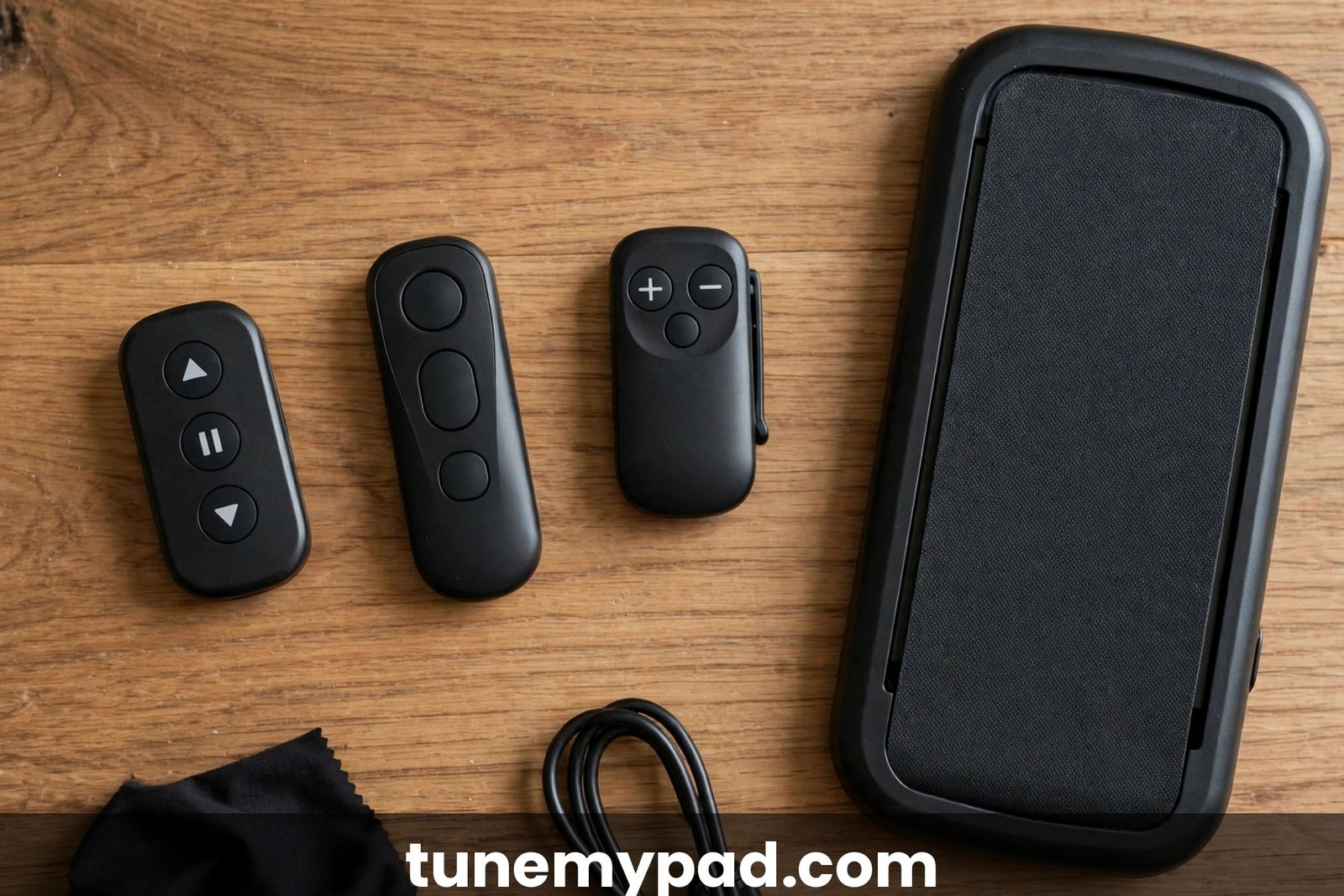
Your walking pad remote is lost, chewed by the dog, or has a button that only works if you press it with the force of a thousand suns. Time for a replacement — but here’s the thing most listings won’t tell you upfront: walking pad remotes are not universal. The right replacement depends on your brand, your exact model, and the wireless signal type it uses. Buy the wrong one and it will never pair, no matter how many batteries you try.
This guide shows you how to identify what you need, which replacements fit which models, and how to pair each type.
Quick Answer: Remote Control Replacement
| Question | Answer |
|---|---|
| Are walking pad remotes universal? | No. They differ by brand, model, and signal type. Always match your exact brand + model. |
| What are the signal types? | IR (infrared) — line of sight, no pairing. Bluetooth — must pair, works around obstacles. 433MHz RF — simple radio, usually no pairing. |
| Fastest way to get the right one? | Search Amazon/AliExpress for “replacement remote” + your exact brand and model (e.g., “Sperax Q1 remote”). |
| Will any “universal” remote work? | Only within compatible model families — and listings that say “universal” still exclude specific models. Read the compatibility list. |
| Check before ordering? | Confirm the receiver/signal type matches your pad. An IR remote can’t talk to a Bluetooth receiver, period. |
IR vs Bluetooth vs 433MHz: Why They Don’t Cross Over
Understanding the three signal types is the whole game — it explains every compatibility failure.
Infrared (IR). The remote flashes invisible light pulses at a receiver on the pad’s front panel. Requires a clear line of sight — point it at the pad. No pairing needed: fresh batteries in, and it works. Common on Sperax Q1/Q2-style remotes, OMETTER replacements, and many budget pads. If your original remote only worked when pointed at the front of the pad, it was IR.
Bluetooth. The remote pairs digitally with the pad’s controller, like earbuds pairing to a phone. Works from any direction and through minor obstructions, but it must complete a pairing handshake (see the per-brand methods below). Used by DeerRun, Goplus, Sperax RM-01-style, and most app-connected pads. If your original remote needed a pairing procedure when new, it was Bluetooth.
433MHz RF. A simple radio-frequency link on the 433MHz band. Usually no pairing (or a trivial one), decent range, no line of sight needed. Shows up in some generic and older replacement remotes — several replacement-remote manuals list “Frequency: 433 MHz” alongside IR operation.
The critical rule: an IR remote cannot control a Bluetooth pad, and a Bluetooth remote cannot control an IR pad. They’re speaking different languages to different receivers. This is why “universal” is marketing, not engineering.
Model-Match Cheat Sheet
Match your pad to a replacement listed for that exact brand and model family:
| Brand / model | Remote type | Pairing method | Notes |
|---|---|---|---|
| Sperax Q1 / Q2 | IR | None — insert batteries and use | “Universal Q1” remotes fit; excludes P2-Y1, RM-01 |
| Bifanuo TM001 / TM006 / TM008 / TM009 | Model-specific | Per manual (usually none or simple) | Match the exact TM number — they differ |
| Redliro / OMETTER Y-08 | IR | None — point and use | CR2025 coin cell; ~8 m line-of-sight range |
| Saillong AD-4000 series | Model-specific | Per listing instructions | Match the AD-4000 variant exactly |
| DeerRun DR2-CT05 | Bluetooth | Hold power/+ on remote while powering on pad; long beep = paired | Remote pairs to pad, not to the app |
| Goplus 2-in-1 Superfit | Bluetooth | Press Start/Stop on remote; buzzer beep = paired | CR2032 battery (often not included) |
| Q22-family pads (Q22, LX-22-2B, KRD-Q22, JK08F) | Bluetooth | Hold Mute+Back (or M+−) 3 s until remote LED stays on | Key value AA confirms pairing |
If your model isn’t here, the method is the same: find a listing that names your brand and model explicitly.
How to Identify Your Remote Type
Lost the remote and don’t know what it was? Work it out from the pad:
- Check the manual. The remote section names the battery type and usually says whether pairing is required. (Manuals for your brand are often on manuals.plus.)
- Check the pad’s behavior. Did the old remote work pointed in any direction, or only aimed at the front panel? Any-direction = Bluetooth/RF; aimed-only = IR.
- Look for a model label. The pad’s underside or rear label shows the exact model (e.g., DR2-CT05, TM008). Search that plus “replacement remote.”
- Check what the app does. If your pad pairs with a phone app over Bluetooth, the remote is very likely Bluetooth too.
Pairing Methods by Brand
Once the correct replacement arrives, pair it using your brand’s method:
| Brand | Pairing method |
|---|---|
| Goplus | Power on pad → press Start/Stop on remote → buzzer beep (or D.D.D. tones) confirms |
| Sperax (Bluetooth models) | Unplug pad → plug back in → immediately hold remote power 5–10 s → beep confirms |
| Sperax Q1/Q2 (IR) | No pairing — insert batteries, point at pad |
| DeerRun | Power pad off → hold remote power button while switching pad on → beep + “00:00” confirms |
| Redliro / OMETTER (IR) | No pairing — install CR2025, point at receiver |
| Q22 family | Hold Mute+Back (or M+−) 3 s → remote LED stays on 10 s → paired |
Full step-by-step versions: Goplus pairing guide, Sperax remote fixes, DeerRun remote pairing.
Where to Buy (and What to Verify First)
Amazon is the fastest source — search “replacement remote control” plus your brand and model. Third-party brands like VORETCON, XINZHIZHU, and Snrigw sell model-specific replacements (e.g., VORETCON’s no-pairing Q1 remote, Snrigw’s DR2-CT05 remote). AliExpress is cheaper with longer shipping; useful for older or obscure models.
Before you click buy, verify all three:
- The listing names your exact model (not just your brand).
- The signal type matches your pad (IR vs Bluetooth — see above).
- The return policy is sane. Compatibility claims on marketplace listings are wrong often enough that you want an easy return.
And check receiver compatibility: a few pads have the receiver built into a display module that was revised mid-production. If reviews on the listing mention your exact model working, that’s the strongest signal.
Safety stop-point: a damaged remote with a stuck button can send continuous speed-up commands — a runaway belt. If a remote ever causes unintended acceleration or ignores Stop, unplug the pad immediately and remove the remote’s batteries. Also remove batteries from spare remotes in storage so a couch-cushion button-press can’t start the pad.
Walking Pad Remote Replacement FAQs
Can I just use my phone as the remote instead?
Sometimes. Pads with companion apps (PitPat for DeerRun, Gymax for Goplus) let the app control speed and start/stop. But apps can’t replace the remote for everyone — and if your issue is that the pad’s Bluetooth is misbehaving, the app will fail too. A physical remote remains the reliable primary control.
I bought a “universal” remote and it doesn’t work. Why?
Because “universal” only covers the model families in the listing’s compatibility table. The usual failure is a signal-type mismatch (IR remote on a Bluetooth pad) or an excluded model (many “universal Q1” remotes explicitly exclude the P2-Y1 and Bluetooth models). Return it and buy one listed for your exact model.
How do I know if my remote is IR or Bluetooth?
The behavior test: IR only works when pointed at the pad’s front receiver with a clear line of sight; Bluetooth works from any direction. The battery test helps too — but behavior is the reliable tell. When in doubt, check the manual’s remote section.
Will a replacement remote work with the pad’s app too?
The remote and the app are independent controls — a new remote doesn’t affect app connectivity either way. If the app (PitPat, Gymax) won’t connect, that’s a separate Bluetooth issue; see our DeerRun PitPat fixes.
My original remote’s model number wore off. What now?
Identify the pad’s model from its underside/rear label, then search “replacement remote + [pad brand] + [pad model].” You don’t need the remote’s model number — the pad’s is what listings are indexed by.
Are cheap replacement remotes reliable?
Model-matched ones, generally yes — they’re simple devices. The failures come from mismatches, not price. Buy the cheapest listing that explicitly names your model and has working reviews, and keep the return window in mind.
Conclusion
Replacing a walking pad remote is easy once you respect the one rule: match brand, model, and signal type — remotes are not universal. Identify whether your pad uses IR (no pairing, line of sight), Bluetooth (pairing handshake required), or 433MHz, buy a replacement that explicitly lists your model, and pair it with your brand’s method. Verify the return policy before ordering, and retire any remote with stuck buttons before it causes a runaway belt. Brand-specific walkthroughs: Sperax remote fixes, Goplus remote pairing, DeerRun remote pairing, and DeerRun PitPat app fixes. External references used: the Snrigw DR2-CT05 replacement remote listing (Bluetooth pairing procedure), the Q1 replacement remote listing (model compatibility), and the OMETTER IR replacement remote manual (IR operation and 433MHz specs).