
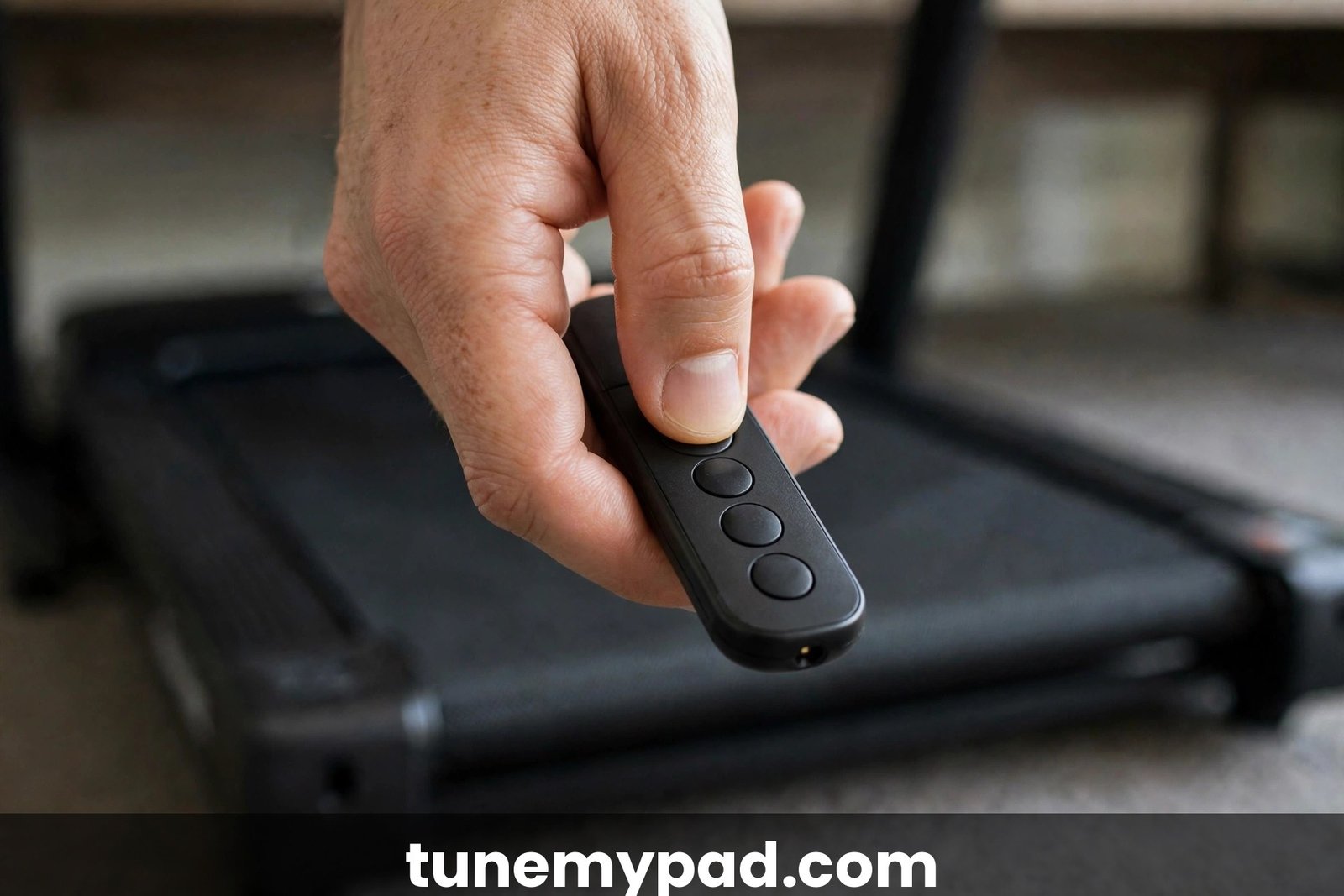
You press the buttons on your Sperax remote and nothing happens — no beep, no speed change, no start. Before you order a replacement, work through this guide. Most Sperax remote failures are dead batteries or a lost pairing, and both are fixed in under a minute. The key is knowing which type of remote your model uses, because Sperax ships both infrared (no pairing) and Bluetooth (pairing required) remotes depending on the model.
Quick Answer: Sperax Remote Fixes
| Question | Answer |
|---|---|
| Remote completely dead? | Replace the batteries first — this fixes most cases. Check polarity when inserting. |
| How do I re-pair a Sperax remote? | Unplug the treadmill, plug it back in, then immediately press and hold the remote’s power button for 5–10 seconds until you hear a beep. |
| How do I know pairing worked? | A beep from the pad, and the display shows “00:00” / responds to the remote. |
| Which Sperax models need pairing? | Bluetooth-remote models (RM-01 and similar). Q1-style infrared remotes need no pairing — fresh batteries and line of sight are enough. |
| New replacement remote doesn’t work? | It must match your model (Q1, Q2, RM-01, etc.) and your remote type (IR vs Bluetooth). Mismatched remotes won’t pair. |
| Remote works sometimes? | Weak batteries or obstructions between remote and receiver. Replace batteries and clear the line of sight. |
Step 1: Check the Batteries (Fixes Most Cases)
This sounds obvious, but it’s the #1 cause by a wide margin — Sperax’s own manuals list battery checks as the first troubleshooting step for an unresponsive remote.
- Open the battery compartment and remove the old batteries.
- Check the battery type for your model: many Sperax remotes take 2× AAA; some coin-cell models take a CR2032/CR2025. Use the type printed inside the compartment.
- Insert fresh batteries, matching the +/− polarity markings exactly.
- Press any button and watch the pad’s display for a response.
Don’t trust batteries that “should still be good” — weak batteries are the classic cause of a remote that works from two feet away but not from your desk. If fresh batteries don’t help, move to pairing.
Step 2: The Sperax Pairing Sequence
For Sperax models with Bluetooth-pairing remotes, use this exact sequence. Timing matters — the “immediately” part is what most people get wrong.
- Unplug the treadmill from the wall outlet (or switch the main power switch off). Wait about 5 seconds so the controller fully powers down.
- Plug it back in (or flip the power switch on).
- Immediately press and hold the power button on the remote — don’t wait for the display to finish booting. Hold it down for 5–10 seconds.
- Listen for the beep. A beep from the pad (and the display showing “00:00” on some models) means pairing succeeded.
- Test it: press Start/Stop, then +/−. If the pad responds, you’re done.
If there’s no beep after 10 seconds, release, unplug the pad again, and retry — the window for the remote’s pairing signal is short, and starting the hold late is the most common reason the first attempt fails. Make sure you’re holding the power button specifically, not Start or Mode.
Step 3: Know Which Remote Type You Have
Sperax remotes are not one thing. Matching the fix to your remote type saves a lot of frustration:
| Model family | Remote type | Pairing needed? | What to do |
|---|---|---|---|
| Sperax Q1 / Q2 (infrared) | IR (infrared) | No — works out of the box | Fresh batteries, point at the pad’s receiver, clear line of sight |
| Sperax RM-01 and similar | Bluetooth | Yes — use the Step 2 sequence | Unplug/replug, hold power 5–10 s until beep |
| Sperax P2-Y1 | Model-specific | Check manual | Universal Q1 IR remotes are not compatible |
How to tell IR from Bluetooth: IR remotes need a clear line of sight to the receiver on the pad’s front and do nothing when pointed away; Bluetooth remotes work from any direction. If your original remote never needed pairing, buy an IR-type replacement — a Bluetooth replacement won’t help and vice versa.
Step 4: Replacement Remotes Must Match the Model
If the original remote is lost or physically damaged, replacements are inexpensive — but they must match:
- Match the model family: Q1 remotes (e.g., the VORETCON Q1 replacement, which operates without pairing) fit Q1/Q2-series pads. RM-01 and Bluetooth models need their own type.
- Read the compatibility list on the listing before ordering. Reputable listings spell out exactly which models they fit — and which they don’t (P2-Y1 and RM-01 are commonly excluded from “universal Q1” remotes).
- Check the return policy. If the listing’s compatibility claim is wrong, you want an easy return.
After the new remote arrives: install fresh batteries, then run the Step 2 pairing sequence if your model needs pairing. IR models should work immediately.
When It’s Not the Remote
If fresh batteries plus a correct pairing attempt still do nothing, the problem may be on the pad’s side:
- Pad not powering on at all? Check the power cord, wall outlet, and main power switch — see walking pad not turning on.
- Pad powers on but belt won’t move? The safety key may be missing, or the controller may need attention — see Sperax troubleshooting.
- Remote works but pad behaves erratically? A stuck button on a damaged remote can send continuous signals.
Safety stop-point: if a faulty remote ever causes the belt to speed up on its own or ignore the stop button, unplug the pad immediately and remove the remote’s batteries. A runaway belt with no working stop control is an injury risk — don’t keep testing it.
Sperax Remote FAQs
Why does my Sperax remote only work sometimes?
Almost always weak batteries or a partially blocked signal path. Replace the batteries with fresh ones first. For IR remotes, make sure nothing (desk legs, boxes, your own body) sits between the remote and the receiver on the pad’s front panel.
Do I need to pair the remote every time I use the pad?
No. Pairing is a one-time handshake — the pad remembers the remote. If you find yourself re-pairing constantly, the remote’s batteries are likely dying, or you’re dealing with a pad-side Bluetooth fault worth contacting support about.
My new replacement remote doesn’t work. Why?
The three usual reasons: (1) it’s the wrong type for your model (IR vs Bluetooth mismatch), (2) your model needs the pairing sequence and you haven’t run it, or (3) the listing’s compatibility claim was wrong. Confirm your model’s remote type from Step 3 and re-check the listing.
Can I use a universal walking pad remote with my Sperax?
Only if it’s listed as compatible with your specific model and remote type. “Universal” IR remotes work across the Q1/Q2 family but explicitly exclude models like the P2-Y1 and Bluetooth-pairing models. See our remote replacement guide for the full compatibility picture.
Where is the receiver on the pad?
On the front of the unit near the LED display — that’s the end you point an IR remote at. Bluetooth remotes don’t need line of sight, but keeping the remote within a few feet still gives the most reliable response.
The remote’s buttons feel mushy or stuck. Can I fix it?
Stuck buttons can send phantom signals (including speed-up commands — see the safety note above). Try cleaning around the buttons with a dry cloth and compressed air. If a button stays depressed, replace the remote rather than risking erratic behavior.
Conclusion
A dead Sperax remote is usually a two-minute fix: fresh batteries, then the pairing sequence — unplug the pad, plug it back in, and immediately hold the remote’s power button for 5–10 seconds until the beep. The critical detail is matching the fix to your model: Q1-style IR remotes never need pairing, while RM-01-style Bluetooth remotes do, and replacement remotes must match your model and type. If the pad itself is misbehaving, work through Sperax troubleshooting or the general remote not working guide. And if you need a new remote, our replacement guide covers exactly what fits. External references used: Sperax manuals collection (pairing and troubleshooting procedures) and the XINZHIZHU Sperax Q1/Q2 replacement remote listing (IR vs Bluetooth compatibility notes).